
7Reels account, login and profile features
A single profile connects email confirmation, currency, balances, rewards, game favourites, cashier history and support across desktop and mobile.
A single profile connects email confirmation, currency, balances, rewards, game favourites, cashier history and support across desktop and mobile.
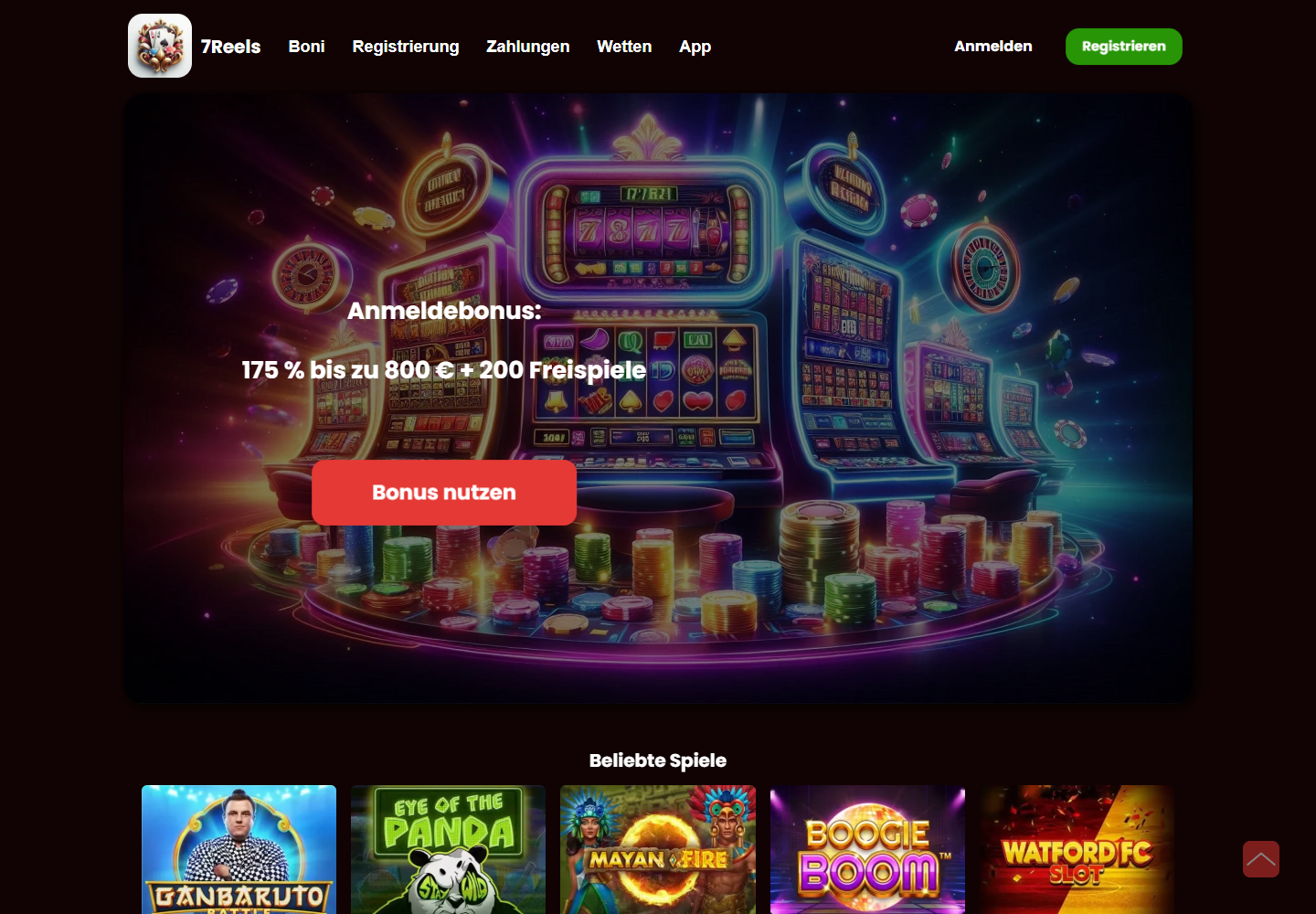
Email, country and account currency.
Cash, reward and pending values.
Recent titles and favourites.
Chat, email and help content.
| Area | Published detail | Product use |
|---|---|---|
| Registration | Email and profile details | Creates the account |
| Confirmation | Email link | Activates the profile |
| Rewards | Available and active offers | Shows progress and balance |
| Transactions | Deposits and withdrawals | Shows method, date and status |
| Favourites | Saved game tiles | Available across devices |
| Support | Chat, email and help centre | Connected to account context |
The published registration flow uses an email address, password, country and selected account currency. Email confirmation activates the profile used by the game lobby, Rewards area and cashier. Login remains a separate header action so existing users do not have to pass through the registration route again.
Country and currency influence the payment methods and values presented in the cashier. Because those settings belong to one profile, balances and transaction history remain consistent across desktop and mobile. Password recovery uses the confirmed email address, while the account area can list profile details and active sessions.
The dashboard can separate cash balance, promotional balance, pending withdrawals and free-spin allocations. This is especially useful for a five-stage welcome package and recurring weekly events. The Rewards tab provides the status of each offer, while the cashier history identifies the payment connected to it.
Favourites and recent games create personal collections from the 7,000-title library. Named games can be reopened without repeating a search, and offer-linked titles remain accessible from their reward cards. These collections follow the profile between supported devices and give the account area a practical role beyond login.
Deposits and withdrawals are recorded with their date, amount, method and status. Card, e-wallet and crypto entries share one account timeline even though their processing stages differ. Expandable rows can reveal a payment reference and final credited value without turning the mobile screen into a wide table.
Reward history uses a similar structure for available, active, completed and expired offers. Deposit stages, weekly reloads, free spins and cashback remain separate entries. This allows the account holder to connect a promotion to its payment and qualifying game activity while retaining a clear cash-balance view.
The payment information notes that account verification may be requested. A dedicated centre can collect identity, address and payment-ownership files, then label each item as needed, uploaded, under review or approved. Sensitive documents remain inside the authenticated area rather than ordinary support messages.
Verification state can also appear beside a withdrawal that requires additional information. The user can move from the transaction to the relevant document request and back to payment history. This connection between profile and cashier makes account status part of the product interface instead of an unexplained external process.
The product presentation names live chat, email and help-centre content as support routes. After login, a support window can use the account identifier and selected language automatically. A transaction reference, game title or reward name can then be added to describe the exact area involved.
Desktop and mobile use the same support history, which prevents a conversation from being tied to one device. Payment questions connect to cashier entries, game questions connect to titles and promotion questions connect to reward cards. This contextual structure is more useful than a generic contact link placed outside the account.
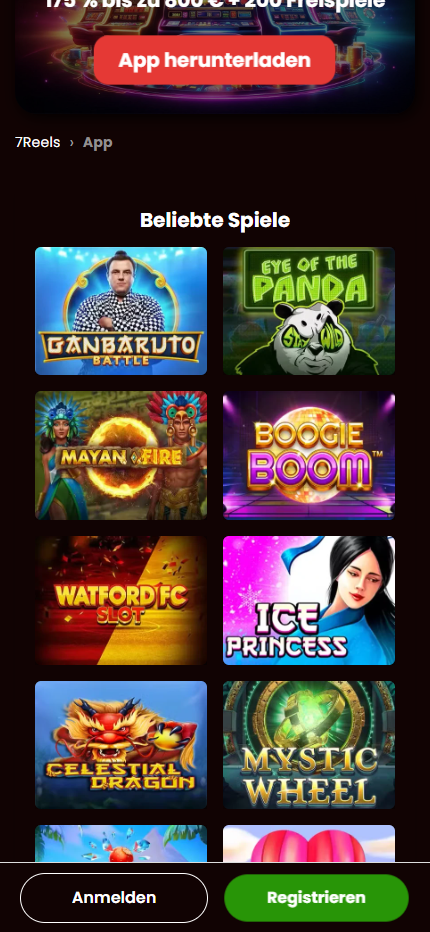
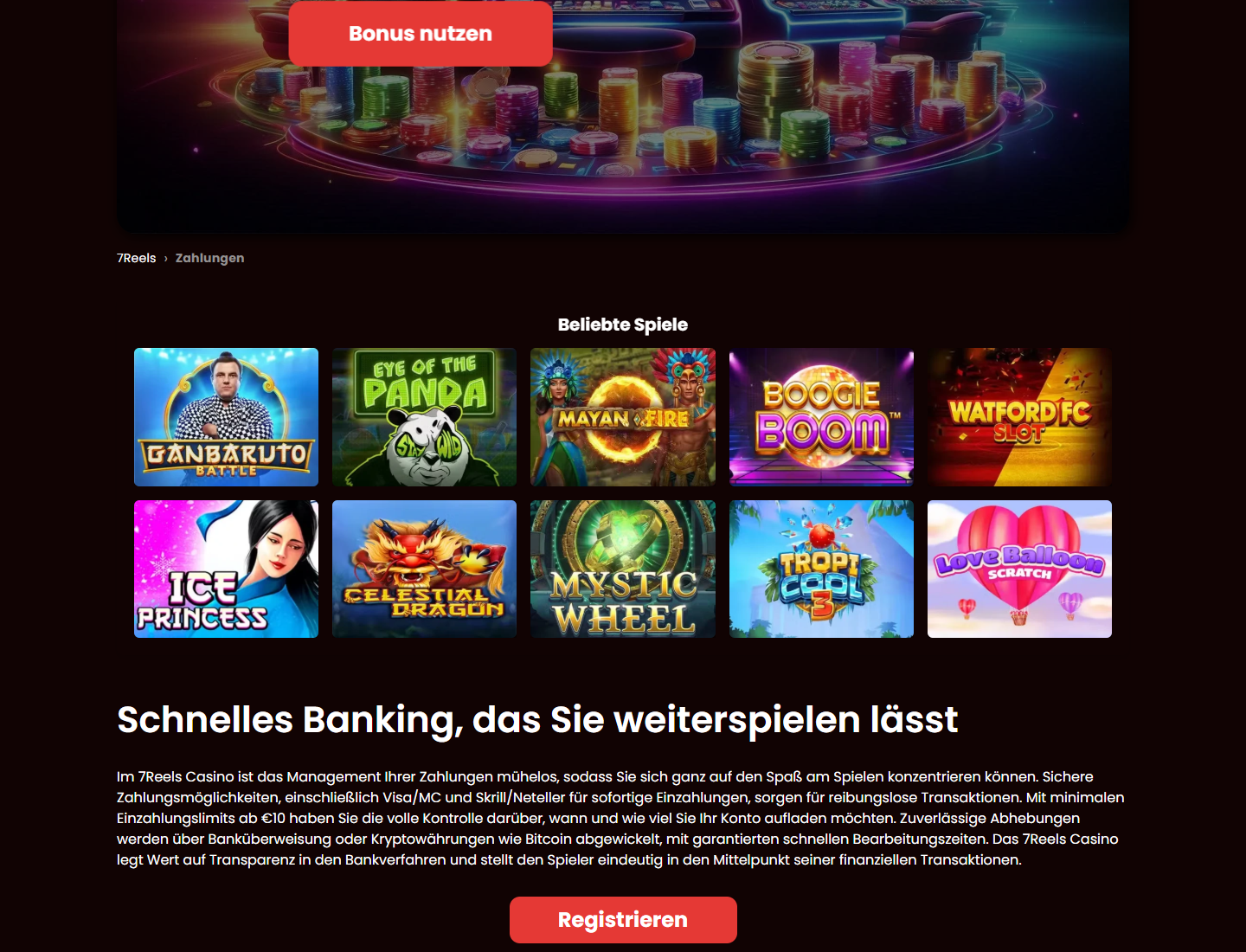
The current 7Reels presentation describes a library of more than 7,000 games. Slots, live tables, digital table games, jackpots and instant formats are grouped into visible categories instead of appearing as one continuous list. Search, provider filters, favourites and recently played rows create shorter routes through the full catalogue.
Every tile can carry artwork, a title, provider information and a launch action. On desktop, several games fit across one row; on mobile, the same collection becomes a compact two-column grid. The account remembers favourites and recent titles, so catalogue navigation remains connected when a session moves between devices.
The published 7Reels bonus page describes a welcome sequence distributed across five deposits, with a combined headline of up to 750% and 110 free spins. Dividing the package into stages allows the Rewards area to show the next qualifying offer separately from bonuses that have already been activated or completed.
The first stage is presented as 150% up to 1,500 plus 20 free spins on Starburst. Later stages make up the remaining package total. The live promotion card can show the current currency, qualifying deposit, code, free-spin game and progress, while the public page explains how the multi-stage structure fits together.
Visa and Mastercard are grouped together in the 7Reels payment table. The published deposit range runs from 10 to 5,000 and processing is described as instant. The cashier combines the amount, currency and card confirmation in one flow, then records the result in account transaction history.
Masked card digits allow a previously used method to be recognised without displaying the full number. Pending, completed and declined labels provide a direct transaction state. Country and account currency can determine which card routes appear, keeping the cashier connected to the settings established in the user profile.
The 7Reels mobile presentation describes Android access through a responsive product layout and an Android app option. The same account balance, favourites, rewards and transaction history remain available, so the phone does not create a separate catalogue or profile. Current Chrome and other modern browsers can present the HTML5 lobby.
On a typical Android screen, popular games become a two-column grid and navigation collapses into a touch menu. Slot interfaces can choose portrait or landscape according to their design. Account pages, reward cards and cashier rows remain vertical, making their values and actions readable without a desktop-width table.
Games, Bonuses, Payments, Mobile and Account are separate pages because each has a distinct information task. Internal links connect a free-spin offer to its game, a deposit stage to the cashier and a mobile transaction to account history. Visitors can move between these subjects without losing the product context.
Seven-Reels.com is structured as an information centre rather than a review. It uses current product screenshots, named games, published promotion details and payment tables to explain the interface. The same navigation appears on every page, with a compact menu replacing the desktop links on smaller screens.
The partner page opens in a new tab with its current product and promotion information.